Warehouse Inventory: Tips & Tricks for Better Warehouse Organization and Efficiency with Trays
Warehouse inventories cost time, tie up staff, and often disrupt ongoing operations. This is especially true for small parts, serial components, or recurring components, where counting quickly becomes confusing if parts are stored loose in boxes or shelf compartments. Standard trays create a simple yet effective structure here for better warehouse organization. This article shows how trays optimize inventory counts in both the warehouse and production.
Sarah Guaglianone
Updated on September 25, 2026
Share
Warehouse Inventory & Order Picking with Trays - The Key Points at a Glance
During warehouse inventory counts, whether in the warehouse or directly on the production floor, fixed compartments and defined packing densities enable faster, less error-prone counting and greater inventory accuracy.
Standard trays support three core processes: counting small parts (quantity per compartment), sorting (separation by component or batch), and small-parts order picking (fast retrieval for orders).
They fit common container systems such as small load carriers (SLCs) or Euro containers and can be ordered directly, with no tooling costs.
formary offers standard thermoformed inserts in the online shop as well as custom-made trays via the configurator.
→ Order standard thermoformed inserts & trays now through the online shop
What Is a Warehouse Inventory? Definition and Significance for Production and Warehousing
A warehouse inventory is the complete stocktaking of all goods and components in a warehouse. It usually takes place once a year on the balance sheet date. During a warehouse inventory, it is checked whether the actual physical stock matches the stock recorded in the system. If the two values differ, this is referred to as an inventory discrepancy, which must be documented and corrected.
In addition to the classic warehouse inventory, there is also inventory in production: here, semi-finished goods, intermediate products, or components are recorded directly on the production line, often as part of ongoing (perpetual) inventory procedures.
Why Is Inventory in Production and Warehousing So Time-Consuming?
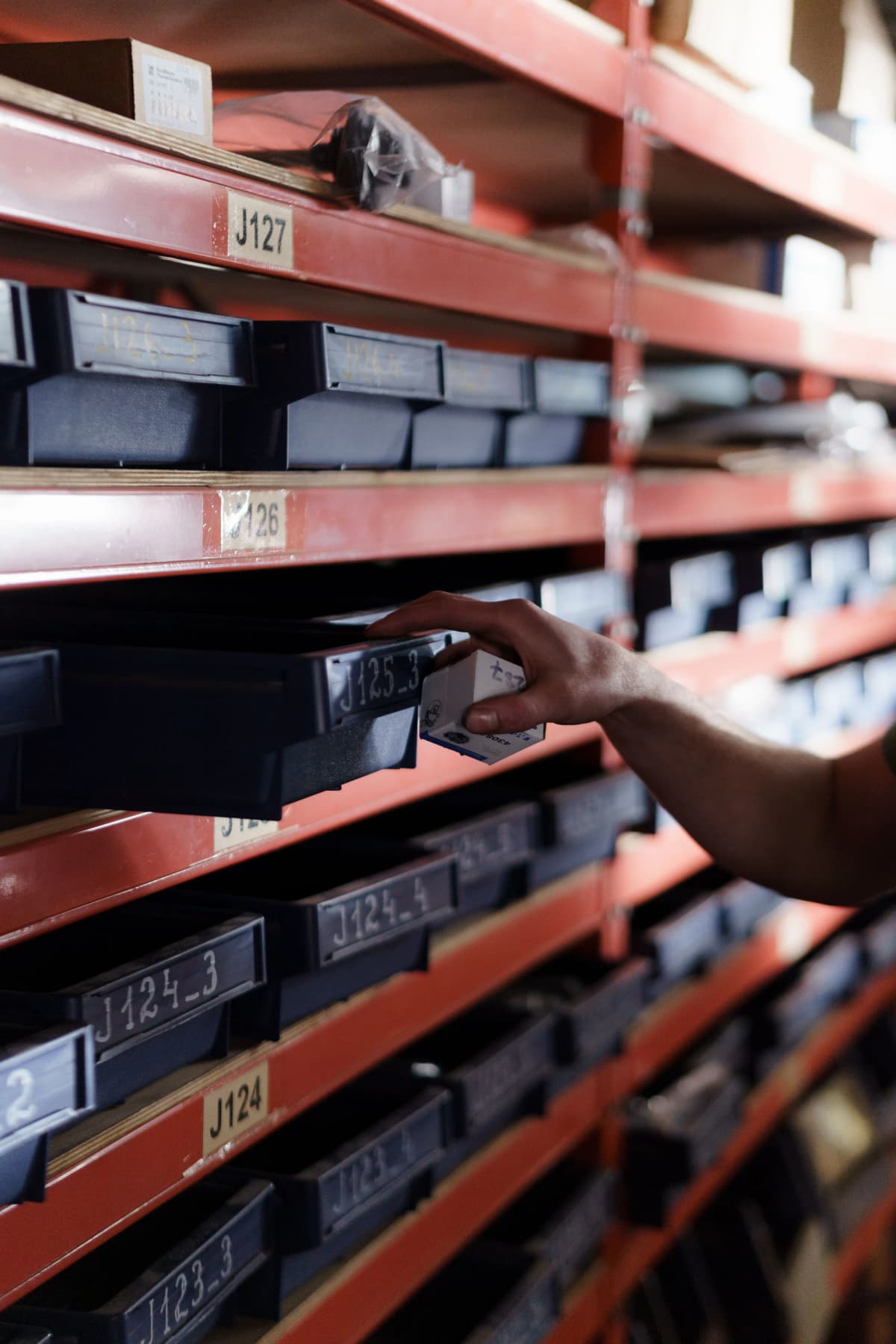
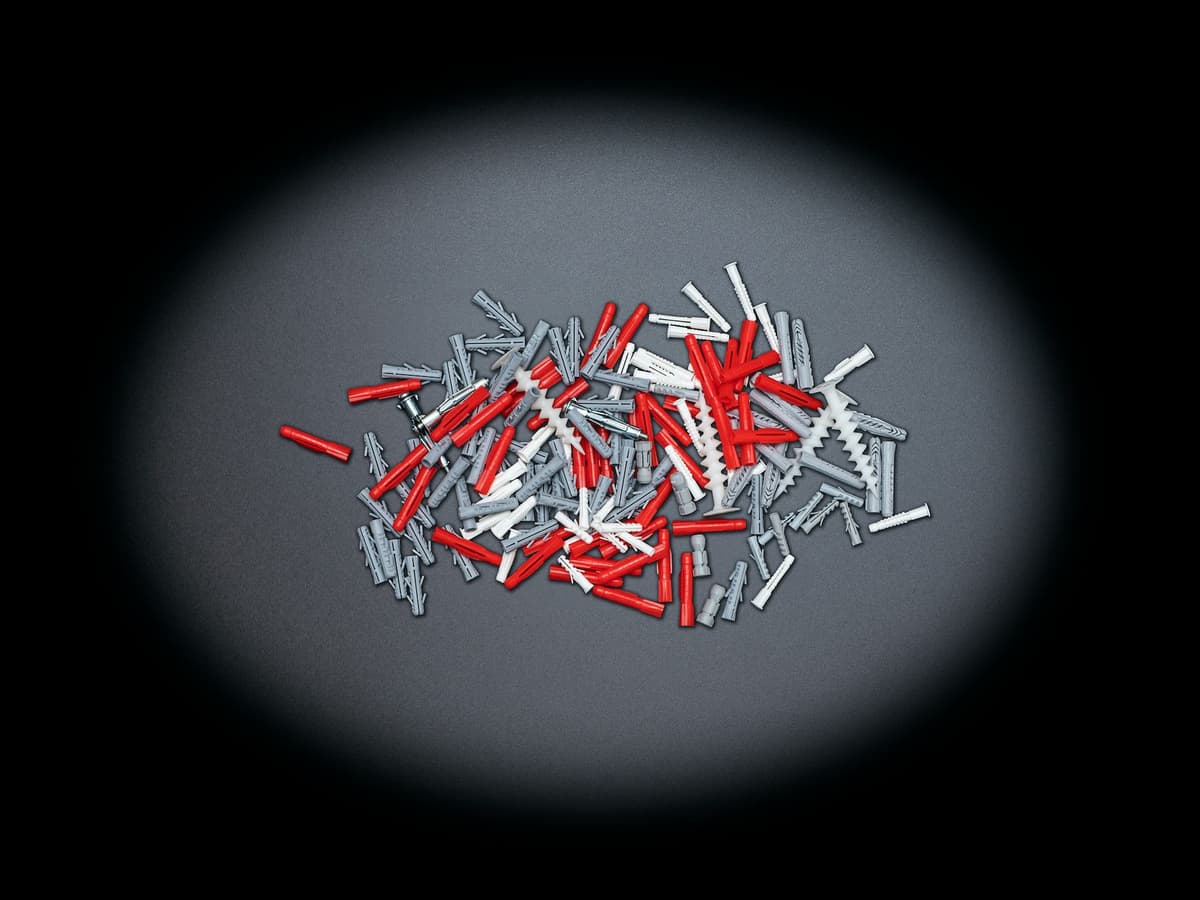
Inventory processes tie up several days a year in many companies. Small parts stored loose are particularly critical: they are difficult to capture at a glance and therefore encourage counting and allocation errors, which noticeably reduces inventory accuracy. This becomes especially clear when large numbers of small parts need to be counted.
Sources of Error in Warehouse Inventory
Typical sources of error in warehouse inventory include unclear storage locations, mixed stock in a single container, and a lack of visual structure. When employees have to take each component individually out of a box and count it, the time required increases significantly - and so does the error rate.
Typical challenges:
loosely stored small parts without a fixed structure
unclear separation between component variants
missing or excess parts that are hard to detect
high time expenditure for manual individual counting
mismatches between storage location and booked stock
Practical tip: The clearer the physical structure in the warehouse, the faster and more accurately the actual stock can be reconciled with the booked stock.
What Role Do Plastic Trays Play in Warehouse Inventory?
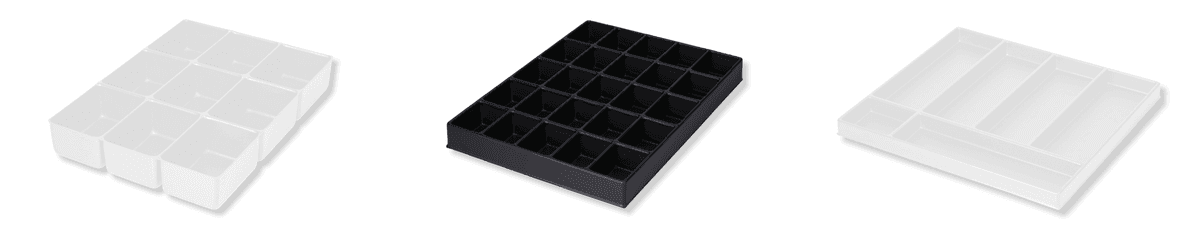
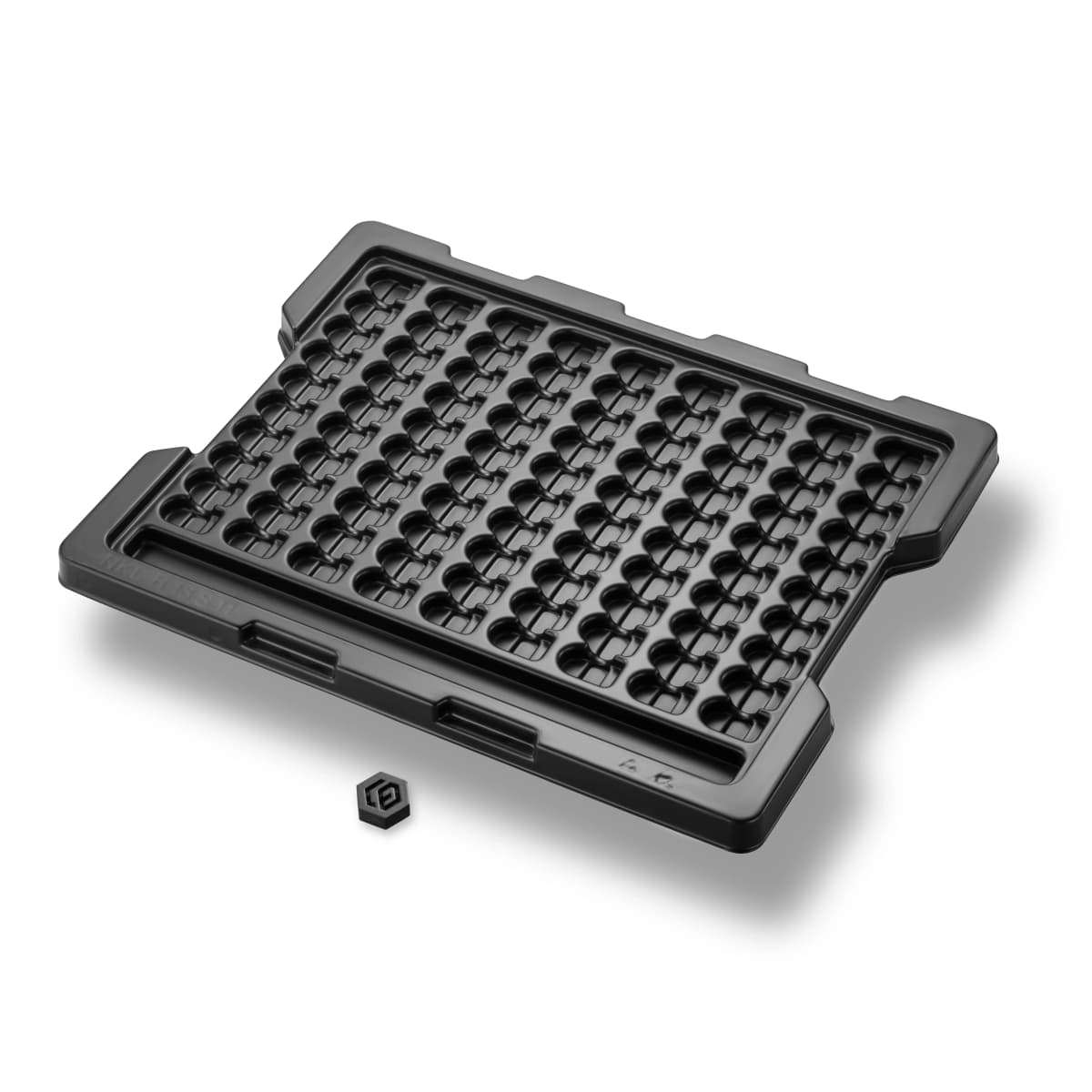
Plastic trays divide components into fixed compartments, creating a clearly defined storage structure. This makes it possible to record stock levels faster and identify shortages immediately.
Tray Feature
Benefit for Inventory
Defined number of compartments
Stock can be captured at a glance instead of counting each component individually
Defined packing density
The total quantity can be calculated from the number of occupied compartments or fully filled trays
Empty compartment
Immediately signals a shortage
Fully filled tray
Confirms the intended quantity
Fixed compartment layout
Prevents components from lying loose in the container or getting mixed up
For pure stocktaking purposes, standard trays with a suitable compartment size and number are often sufficient. They are available without individual tooling costs and fit common container systems such as SLCs or Euro containers.
Counting Small Parts: How Tray Compartments Speed Up Warehouse Stocktaking
Counting small parts is the most time-consuming part of any inventory. Trays reduce this effort because they shift counting from the individual-part level to the compartment level. Instead of manually counting each component, employees only need to check whether a tray is fully, partially, or not occupied at all. With a standardized packing density, the total quantity can be calculated directly from the number of occupied compartments.
Example calculation: A tray has 20 compartments, and each compartment holds exactly one component. During the inventory count, 15 fully filled trays are counted, plus one tray with only 12 occupied compartments. The calculation: 15 trays × 20 compartments = 300 pieces, plus 12 pieces from the partially filled tray, for a total of 312 pieces. Instead of counting 312 components individually, a glance at 16 trays is enough.
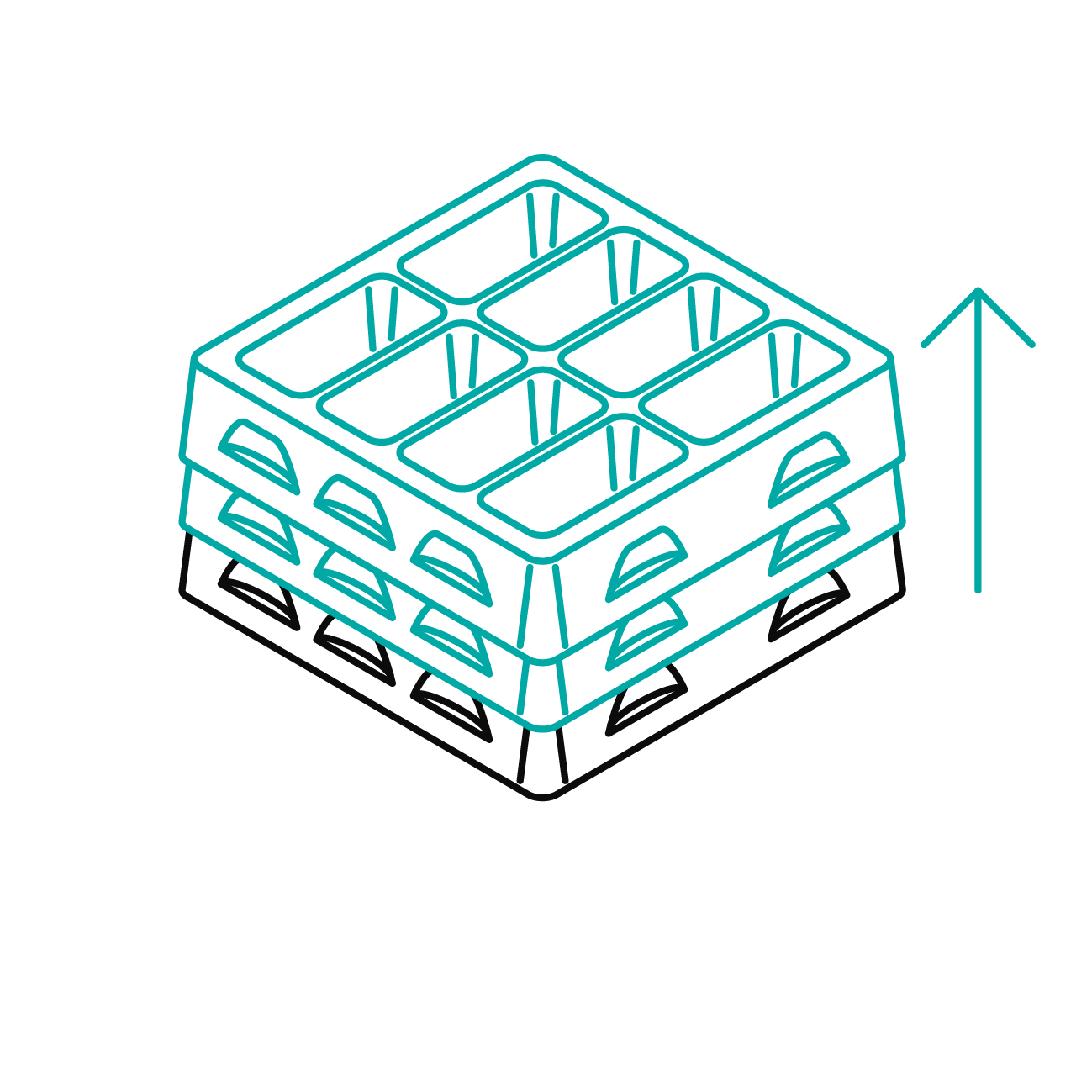
Practical tip: The right stacking method also pays off for inventory. With form-fit stacked trays, the structure that has already been counted stays intact, because nothing shifts or gets mixed up. If the stacking height per tray is also constant, the total quantity can even be roughly estimated from the stack height, without having to take down each tray individually. The article Using Stacking Methods Correctly for Trays shows which stacking methods exist and when each one makes sense.
Sorting: Creating Structure for Small Parts and Serial Components in the Warehouse
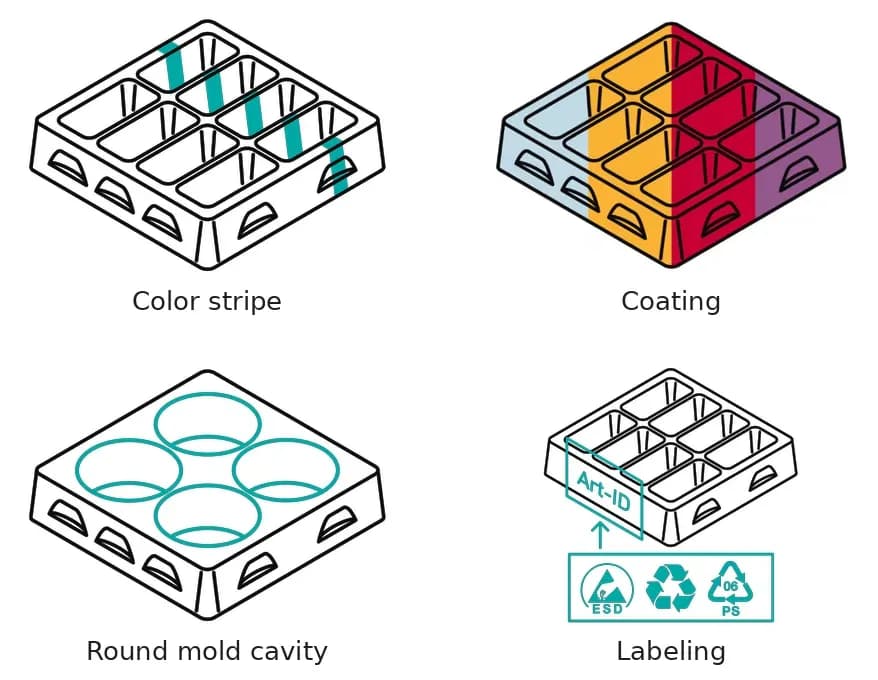
Sorting is the foundation of any functioning warehouse inventory. Without a clear separation between component variants, mixed stock arises that can hardly be correctly assigned later on. Trays with different individual mold cavities, colored stripes, colors, or markings enable a clear visual separation. Employees can see at a glance which tray belongs to which component or batch, without having to check individual parts.
Sorting Aids Compared
Feature
Function in Sorting
Component-specific mold cavity
Holds only one specific component, thereby preventing mix-ups
Color/color stripe
Enables quick visual assignment at a glance, without checking components
Marking/labeling
Makes component or batch numbers visible directly on the tray
Compartment layout
Cleanly separates several component variants within the same tray
Optimizing Order Picking: From Warehouse Inventory to Fast Order Preparation
Correctly recorded stock and clearly sorted components also make order picking easier. Trays and inserts ensure that components are available in a defined quantity and orientation. The advantage: reaching and search times are noticeably reduced. This is especially true for recurring small parts that are regularly retrieved for orders or production lines.
Typical Advantages When Picking Small Parts with Trays
less search effort thanks to clearly assigned trays
faster retrieval thanks to defined component orientation
lower risk of error with similar component variants
simpler reordering, since missing quantities are directly visible
Order picking is just one building block among many: trays generally affect the entire warehouse logistics process, not just the moment of retrieval. The article How Thermoformed Trays Optimize Your Intralogistics describes how trays support entire intralogistics workflows beyond that.
How to Check Small-Parts Stocktaking in the Warehouse with Plastic Trays
Sort components: Assign small parts to the appropriate trays by type, size, or batch. Never place different component variants in the same compartment or tray, otherwise mixed stock results.
Check packing density: Check the number of compartments per tray and the intended number of components per compartment. For standard trays, the packing density is predetermined by the existing compartment layout; for custom trays, it can be planned specifically.
Visually inspect compartments: One glance per compartment is enough: fully, partially, or not occupied. No individual counting needed.
Document shortages: Note any conspicuous compartments directly and reconcile them with the booked stock in the system.
Reuse trays: After the inventory, use them directly for order picking or targeted reordering - no resorting required.
This approach is suitable both for the classic cut-off-date inventory and for regular partial inventories of individual warehouse areas or inventory in production. You can find suitable standard trays directly in the online shop.
Conclusion: Trays as Support for an Efficient Warehouse Inventory
Plastic trays simplify inventory in both the warehouse and production: fixed compartments and defined packing densities speed up counting, make assignment easier, and create a reliable basis for order picking.
Whether a standard tray is sufficient for your stocktaking or a custom solution makes more sense depends on your components and how often you take inventory. Feel free to have your project technically reviewed with us and find the right tray solution for your inventory organization with formary. Our free white paper also offers a comprehensive overview of applications and tray concepts: Quickly Find the Right Plastic Tray Solution.
Frequently Asked Questions About Warehouse Inventory with Trays
A warehouse inventory is the complete stocktaking of all goods and components in a warehouse, usually carried out once a year on the balance sheet date. It checks whether the actual, physically available stock matches the stock recorded in the system. If the two values differ, this is referred to as an inventory discrepancy, which must be documented and corrected in the system.
The biggest lever is a clear structure: trays with fixed compartments and a defined packing density shift counting from the individual-part level to the compartment level. This works both for classic warehouse inventory and for inventory in production, for example for semi-finished goods or serial parts on the line. Visual markings such as colored stripes make assignment easier. For custom trays, component-specific mold cavities can additionally help prevent similar variants from being confused.
Counting refers to recording the quantity per compartment or tray. Sorting describes the clear separation of different components or batches through compartment layout, color, or labeling. For custom trays, component-specific mold cavities can also be used. Small-parts order picking then uses this structure to provide components quickly and accurately for orders or production lines.
For standard trays, the container dimensions, the desired number of compartments, and the quantity are usually sufficient. For custom solutions, component geometry, the desired packing density, and requirements for labeling or color coding are also needed. The more complete the information, the faster a suitable assessment can follow.
Yes. The standard thermoformed inserts and trays are available with no tooling costs and fit common container systems such as SLCs or Euro containers. This makes them suitable even on short notice, to sort and count small parts in a structured way for the next inventory, without having to accept long lead times.
Related Content
Thermoformed Parts in Practice
Warehouse Inventory: Tips & Tricks for Better Warehouse Organization and Efficiency with Trays
Warehouse inventories cost time, tie up staff, and often disrupt ongoing operations. This is especially true for small parts, serial components, or recurring components, where counting quickly becomes confusing if parts are stored loose in boxes or shelf compartments. Standard trays create a simple yet effective structure here for better warehouse organization. This article shows how trays optimize inventory counts in both the warehouse and production.
Thermoformed Parts in Practice
Tray Labeling: How to Use Labels Effectively for Your Packaging
To ensure that trays can be correctly identified and used, clear labeling is essential. Depending on the application, quantity, and process requirements, different methods can be used, such as permanent engraving or flexible labels. In this article, you will learn which tray labeling methods are available, when each method makes sense, and how labeling can already be incorporated into the tray design using formary’s 3D Tray Generator.
Thermoformed Parts in Practice
Supplier Guide for Plastic Thermoformed Parts – 10 Key Factors That Matter
Choosing the right supplier for plastic thermoformed parts is crucial for the quality, efficiency, and cost-effectiveness of your production. Our 10 tips will show you what to look for when selecting a supplier.
Platform & Features
3 Factors That Accelerate Your Procurement with formary
The three key factors—time, speed, and efficiency—are crucial for success in industrial manufacturing, from inquiry to delivery. That’s why formary has optimized this process, significantly accelerating the procurement of plastic thermoformed parts. Learn more in this article.
Thermoformed Parts in Practice
Rapid Prototyping in Thermoforming – Definition, Benefits & Processes
Rapid prototyping is used in product development to quickly create preliminary models. In thermoforming, rapid prototyping offers numerous advantages for producing high-quality prototypes efficiently and cost-effectively.
Platform & Features
Project Planning in Thermoforming – From Concept to Mass Production
From the initial idea to mass production, various factors must be considered in thermoforming project planning, including material selection, tool manufacturing, and quality control. This article provides a detailed look at how a thermoforming project with formary is executed.
Thermoformed Parts in Practice
Thermoforming vs. 3D Printing – Advantages, Disadvantages, Differences, and Similarities
Plastic parts are manufactured using various processing methods. In this article, we focus on comparing the processes of plastic thermoforming and 3D printing.
Thermoformed Parts in Practice
Injection Molding vs. Plastic Thermoforming – Advantages, Disadvantages, Differences, and Similarities
In the world of plastic processing, there are various common manufacturing methods used to produce precise plastic components for industrial applications. We compare two of them: Injection Molding and Plastic Thermoforming.
Thermoformed Parts in Practice
Checking CAD Models for Thermoformability: The Designer's Guide
Whether a plastic part is thermoformable is determined in the CAD model. Anyone who discusses geometry, wall thicknesses, and demoldability only after the first sampling pays for this loop with tool modifications, material waste, and lost weeks in the project timeline. This can be avoided during design: with a structured check that evaluates each model along this guide and makes typical sources of error visible early on.