Design for Manufacturing (DfM): Guide to Manufacturing-Oriented Design
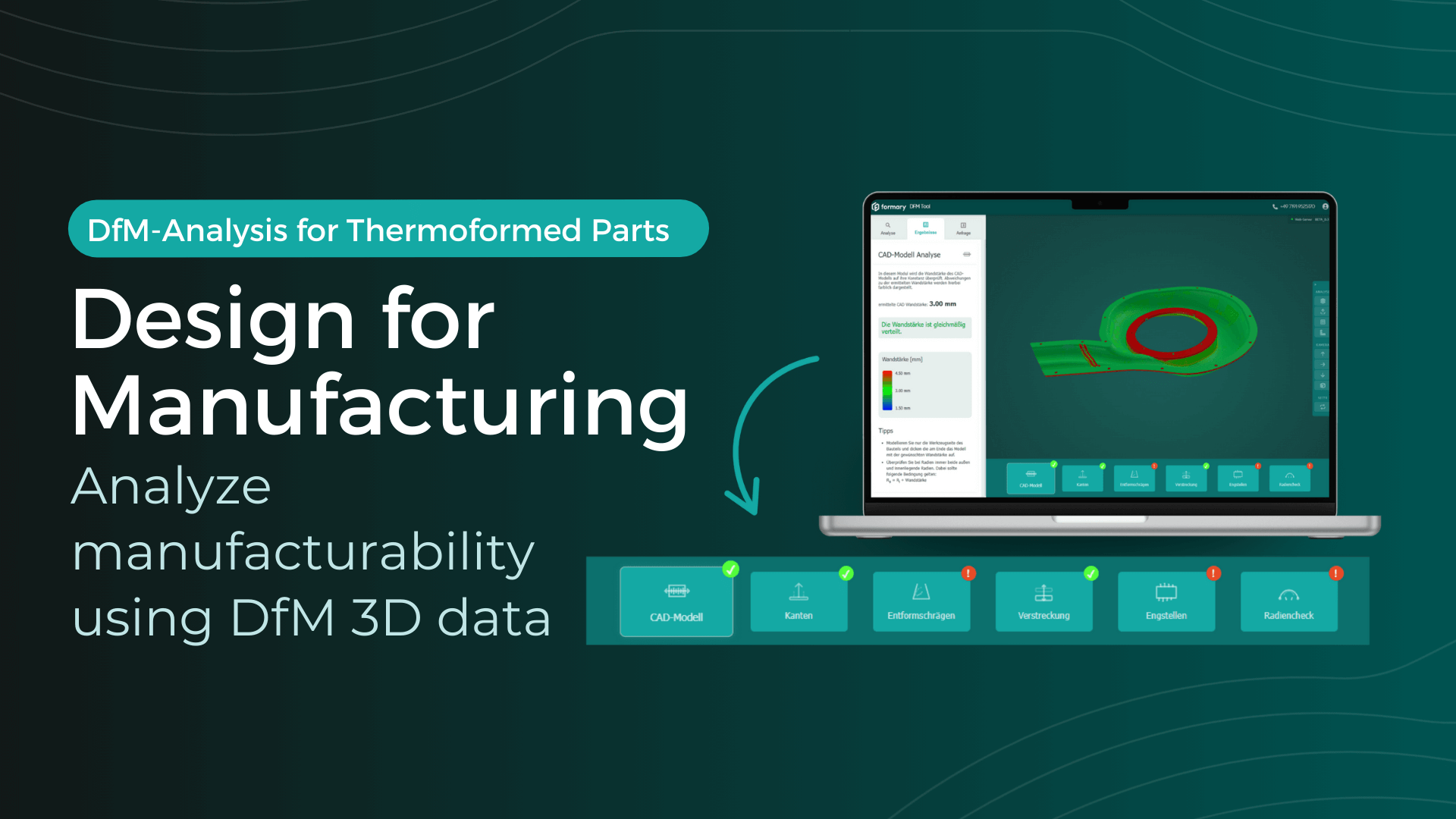
With the new Design for Manufacturing analysis from formary, it is now possible to check CAD data for thermoformability in a matter of seconds, allowing potential sources of error to be identified early on before they become costly. Read on to find out what features the DfM software offers and what the Design for Manufacturing principle entails.
Sarah Guaglianone
Updated on August 26, 2026
Share
Design for Manufacturing – The most important facts
Design for Manufacturing (DfM) means designing products so that they can be manufactured easily, economically, and with few errors.
With a DfM analysis, you can identify manufacturing problems as early as the design phase.
The new DfM tool by formary enables an automated analysis of your 3D models quickly, accurately, and free of charge in your browser.
DfM Meaning: Design for Manufacturing, Design for Manufacturability (DfM), or “manufacturing-oriented design,” refers to a design approach in which components are created in such a way that they can be produced easily, efficiently, and cost-effectively while maintaining high quality.
In short: DfM ensures that from the design stage it is clear how the product can be manufactured later on, helping customers save both time and money.
How does Design for Manufacturing work?
Design for Manufacturing works by checking already during the design phase whether a component is manufacturable. There are clear manufacturing rules and criteria such as wall thicknesses, radii, or moldability:
Analysis of geometry for manufacturability
Identification of critical areas (e.g., overly thin wall sections)
Adjusting the design for optimization
Validation and release for the manufacturing process
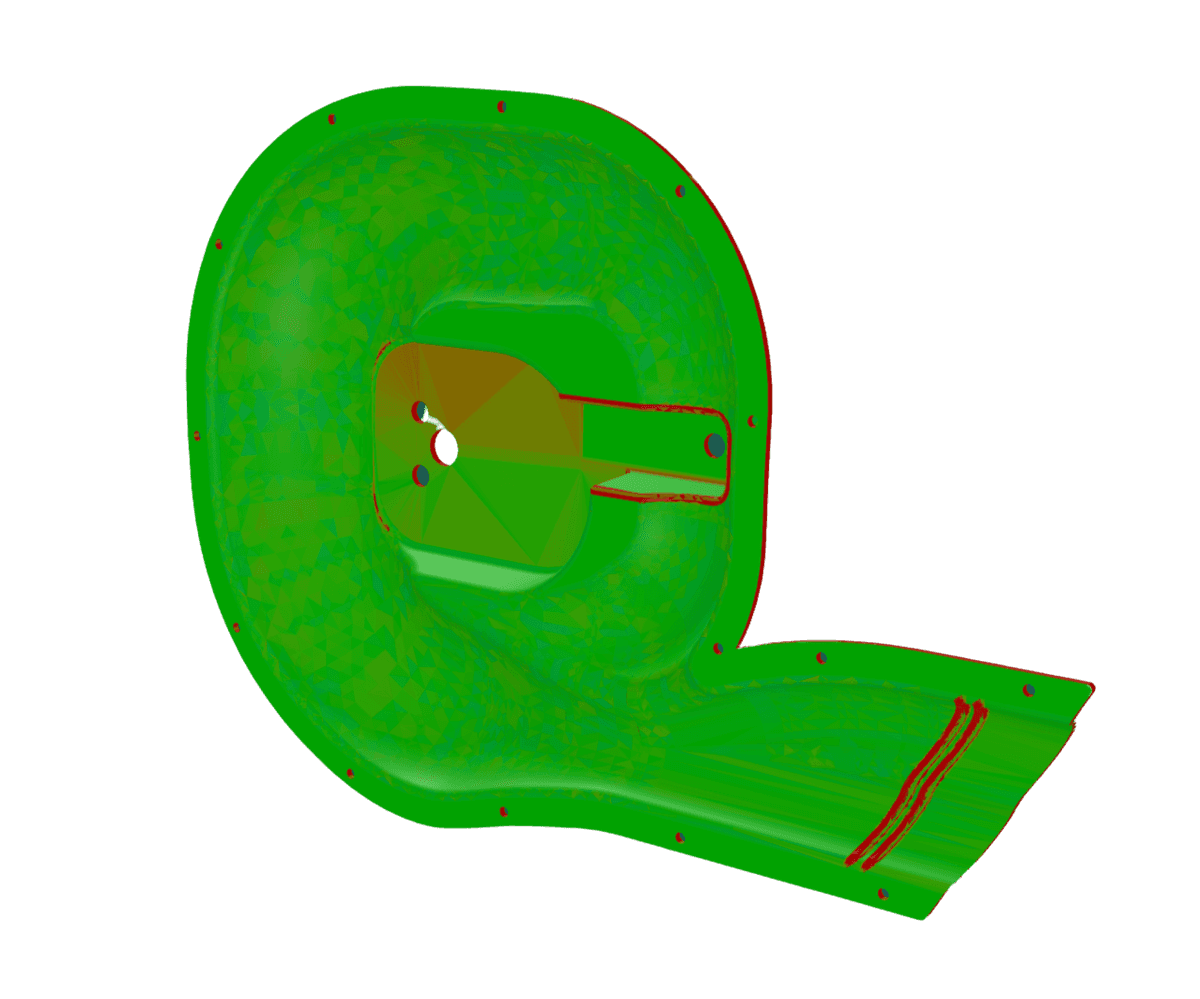
Example of a wall thickness analysis
The 5 Design for Manufacturing Principles
Design for Manufacturing is based on five key principles that help solve manufacturing issues early in the design phase.
Design for Manufacturing Principle
Application in the Development Process
Problems Solved by DfM
1️⃣ Error prevention in design
Identify and eliminate potential error sources early
Fewer complaints, higher quality
2️⃣ Manufacturing-oriented design
Consider appropriate processes and materials
Improved manufacturability, reduced production costs
3️⃣ Reducing the number of parts
Design with as few individual parts as possible
Less assembly effort, fewer error sources
4️⃣ Standardized components
Use standard parts instead of custom-made ones
Shorter lead times, lower costs, easier sourcing
5️⃣ Modularization of design
Divide components into interchangeable modules
Better maintainability, easier variant production
Advantages of Design for Manufacturing
Thanks to its core principles, DfM analysis offers numerous benefits:
Early error detection: Critical areas are identified directly in the CAD model
Cost reduction: Avoidance of expensive rework and complaints
More efficient processes: Fewer queries and delays during development
Improved quality: Better feasibility and reproducibility in series production
Planning reliability: Clear communication with manufacturing and tooling departments
Adaptable to different manufacturing processes: Whether injection molding, 3D printing, or vacuum forming, DfM supports all common manufacturing methods.
Although Design for Manufacturing offers many benefits, there are typical challenges in practice:
Often requires extensive experience: Designers must consider complex manufacturing rules
Time-consuming manual checks: Without software tools, wall thicknesses, radii, and draft angles must be analyzed manually
Risk of errors: Human judgment is error-prone and can lead to costly rework
Communication problems: Without clear visualization, misunderstandings can occur between design and tooling departments
ℹ️ Especially with existing CAD or STEP models, it is therefore worth taking a structured look at thermoformability before starting toolmaking, sampling or a quotation request. In our article Checking CAD Models for Thermoformability: A Guide for Design Engineers, we show you how to proceed systematically and which aspects should be checked in the CAD model.
The Solution: DfM Analysis of Plastic Thermoformed Parts in Seconds
Upload your thermoforming part data, and our DfM software will evaluate whether it can be manufactured as designed, or which geometries need to be modified for technical, functional, or cost-related reasons. These modifications can then be carried out either by you or by us.
How Does the DfM Analysis Work?
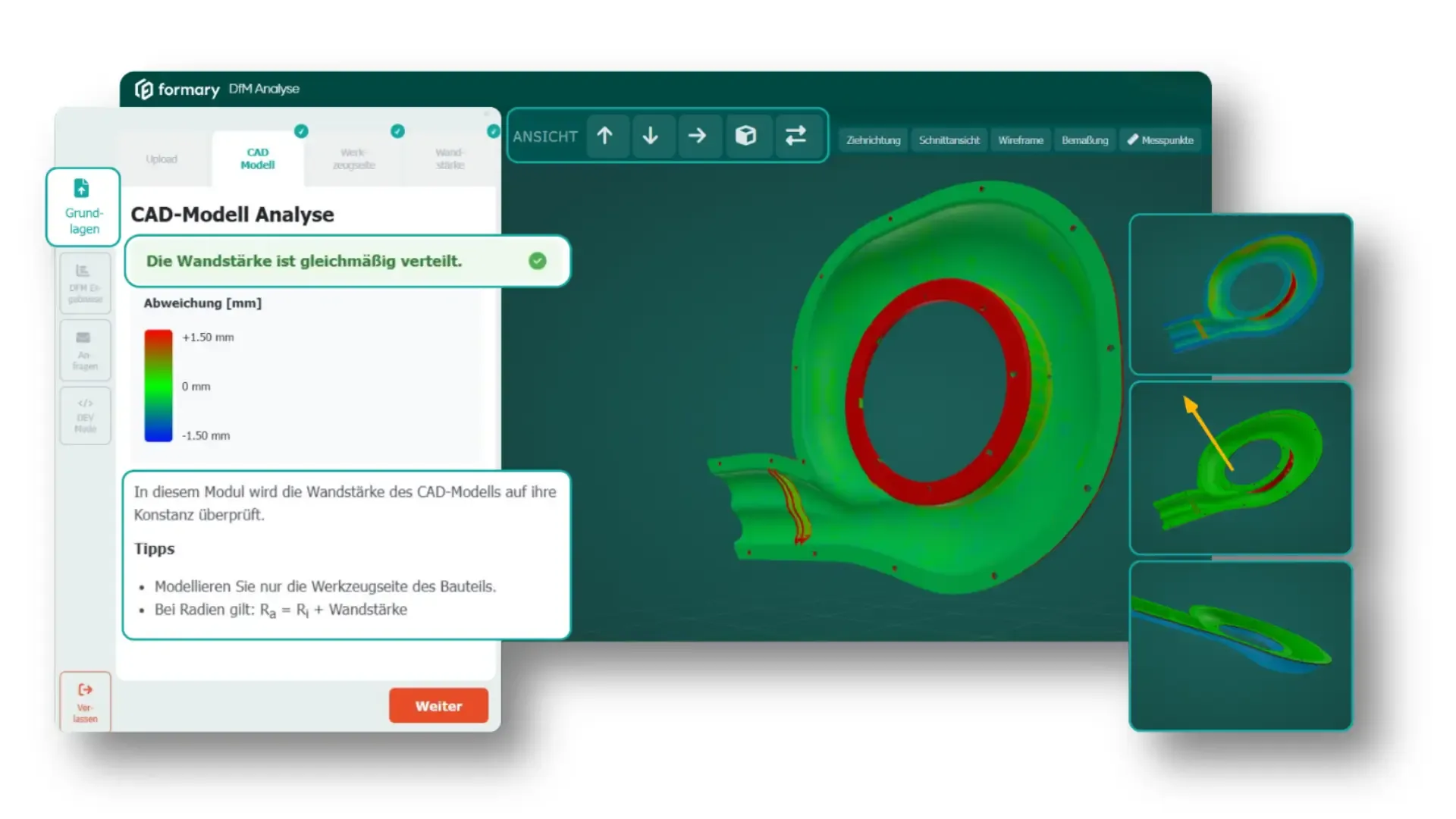
Upload STEP file
Automatic analysis in about 60 seconds
Color-coded results for:
Wall thickness distribution
Radii
Edges and draft angles
Stretching ratio
Narrow sections and details
Here is a guide on how to use the tool:
By playing the video, you agree that your data will be transmitted to YouTube and that you have read the Privacy Policy.
Advantages of the DfM Tool
Automated analysis in seconds
Color-coded and visually intuitive
No waiting times or manual queries
Detect errors early and reduce costs
Usable directly in the browser
No expert knowledge required
Provides a basis for smooth coordination with toolmaking
ℹ️ It is important to note that you still thouroughly check your construction data to avoid potential errors in the later design.
Design for Manufacturing for Plastic Thermoformed Parts – Now Easier Than Ever
Design for Manufacturing ensures that your products are manufacturable right from the start. With our free DfM analysis, you can check your design in about 60 seconds—for fewer errors, lower costs, and smoother workflows.
Design for Manufacturing (DfM) means designing products so they can be manufactured efficiently, cost-effectively, and without errors. The goal is to consider all manufacturing aspects right from the design stage.
DfM stands for “Design for Manufacturing” and describes a design approach that optimizes manufacturability and production costs from the very beginning.
The feasibility of a plastic thermoformed part can be assessed based on a few key criteria: requirements, geometry, material, tooling, process, tolerances and cost-effectiveness.
Define the requirements: Clarify function, quantity, process, application area, tolerances, post-processing and material specifications.
Check the geometry: Evaluate draw ratio, depth, draft angles, radii, undercuts and wall thickness distribution.
Select the material: Assess suitable plastics such as ABS, HIPS, PET-G, PMMA or HD-PE. PP, PC and technical blends are often more demanding.
Evaluate the tooling concept: Consider tool type, venting, temperature control and possible undercuts.
Secure the manufacturing process: For complex parts, simulate wall thicknesses, wrinkle formation, material flow and local overstretching.
Check cost-effectiveness: Evaluate tooling costs, cycle time, material utilization, trimming ratio, automation and scrap risk.
Carry out prototyping: Sample parts help validate appearance, warpage, assembly, stability and actual wall thicknesses before series production.
A thermoformed part becomes particularly critical when it has very deep or narrow geometries, sharp corners, missing draft angles, tight injection-molding tolerances, many undercuts, strongly varying wall thicknesses or extreme flatness requirements.
In Design for Manufacturing for plastic thermoformed parts, the main focus is on wall thickness control, radii, draft angles, draw ratio and material flow.
Aim for uniform wall thicknesses: Check deep areas, corners and areas with high material stretch early, as the material locally thins out during thermoforming.
Use large radii: Avoid sharp edges, as they can lead to material thinning, cracks and poor reproducibility.
Plan for draft angles: Industry standard for female molds: 1.5–2°; industry standard for male molds: 4–6°.
Limit the draw ratio: Excessive draw ratios increase the risk of wrinkles, severe thinning and material failure.
Prefer uniform depths: Smooth transitions, symmetrical shapes and consistent draw depths improve material flow.
Use ribs appropriately: Ribs increase stiffness, but should be designed with wide geometries and large transition radii.
Design with the tooling in mind: Temperature control, vacuum holes, venting and tool material influence quality and costs.
Further Resources
Thermoformed Parts in Practice
Optimizing Intralogistics – How Trays Improve Your Intralogistics Processes
Rising customer demands, flexibility needs, and resource efficiency goals require companies to constantly improve intralogistics. To remain competitive and sustainable, they must optimize material flows, minimize handling times, and implement efficient storage and transport.
Thermoformed Parts in Practice
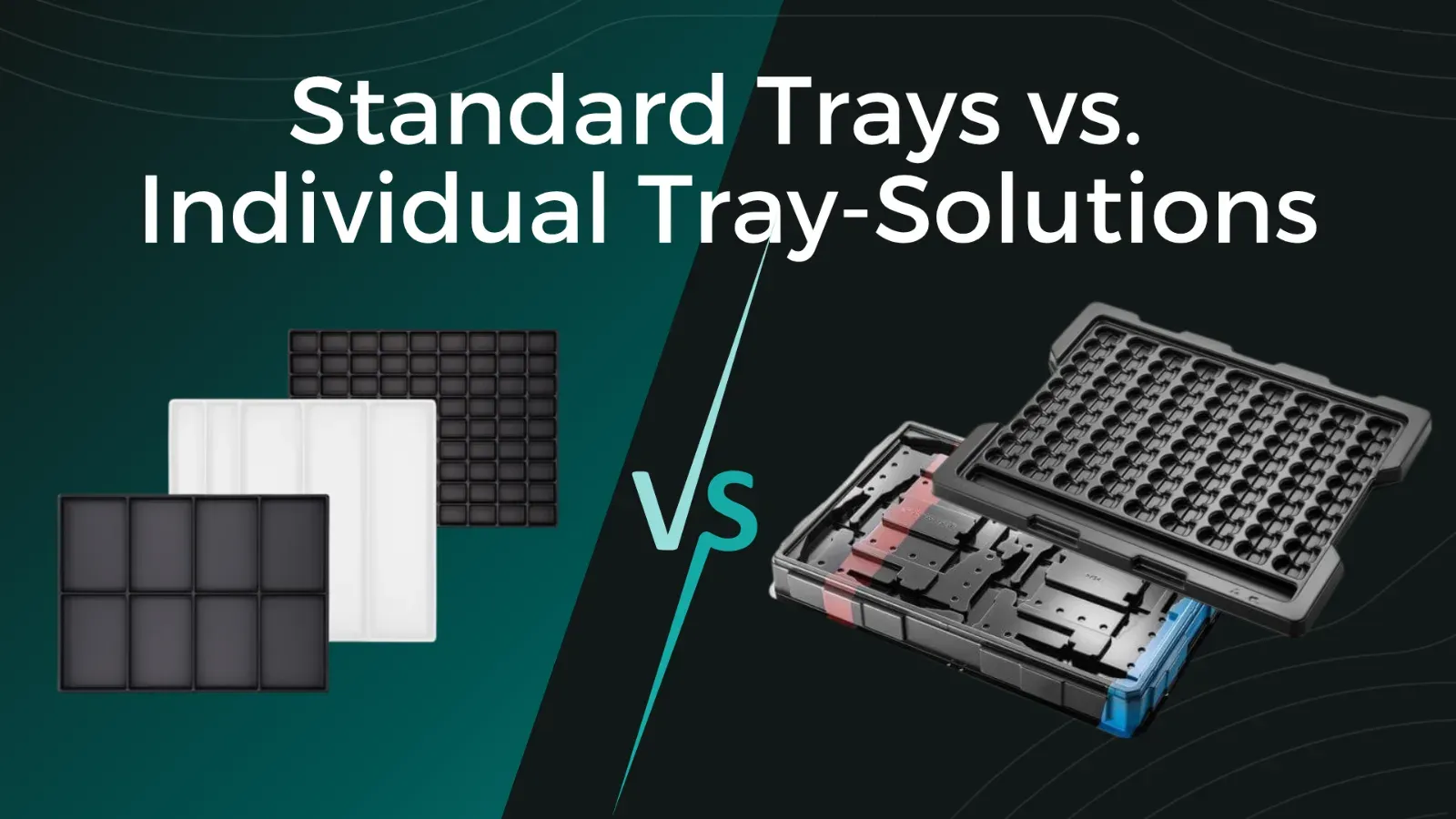
Standard Trays vs. Custom Tray Solutions: Which Option Is Best for Your Project?
Anyone sourcing plastic trays for transport, storage, or production quickly faces the question: choose a standard tray from the catalog or have a custom solution developed by a thermoforming specialist? Both options have their place. The right choice depends on the component, quantity, budget, and project requirements. This article explains which option is the right one for you.
Thermoformed Parts in Practice
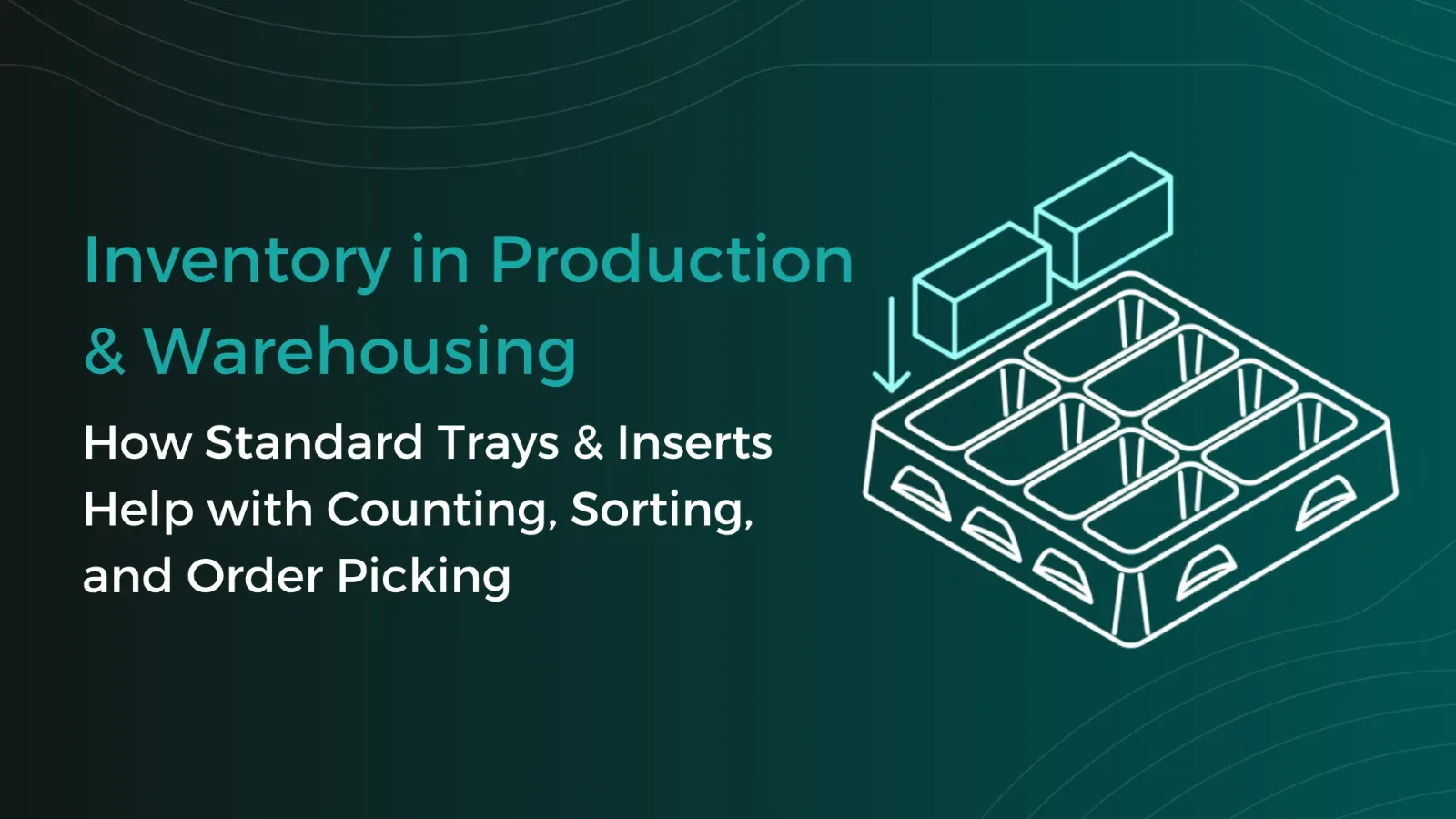
Warehouse Inventory: Tips & Tricks for Better Warehouse Organization and Efficiency with Trays
Warehouse inventories cost time, tie up staff, and often disrupt ongoing operations. This is especially true for small parts, serial components, or recurring components, where counting quickly becomes confusing if parts are stored loose in boxes or shelf compartments. Standard trays create a simple yet effective structure here for better warehouse organization. This article shows how trays optimize inventory counts in both the warehouse and production.
Thermoformed Parts in Practice
Tray Labeling: How to Use Labels Effectively for Your Packaging
To ensure that trays can be correctly identified and used, clear labeling is essential. Depending on the application, quantity, and process requirements, different methods can be used, such as permanent engraving or flexible labels. In this article, you will learn which tray labeling methods are available, when each method makes sense, and how labeling can already be incorporated into the tray design using formary’s 3D Tray Generator.
Thermoformed Parts in Practice
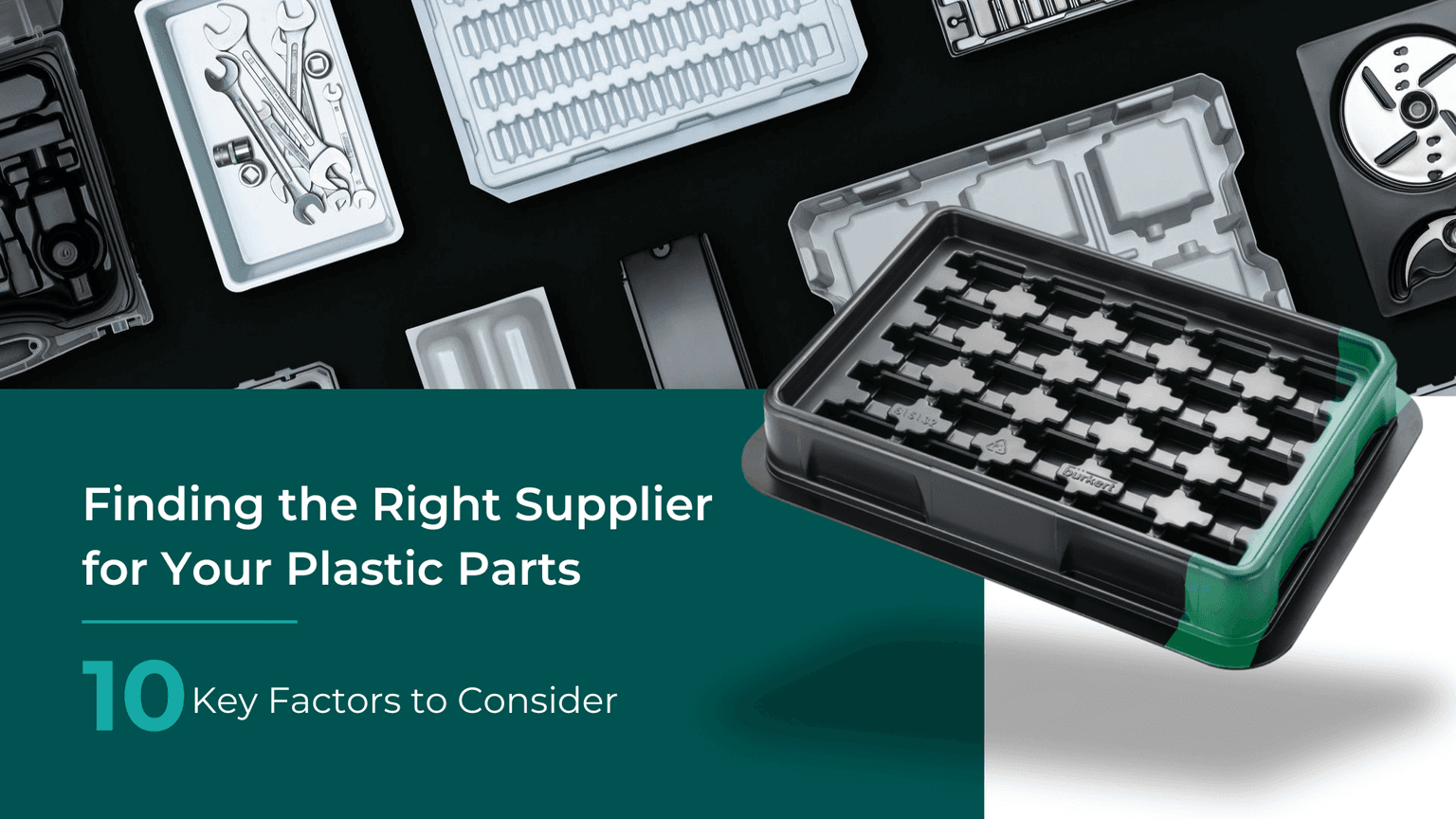
Supplier Guide for Plastic Thermoformed Parts – 10 Key Factors That Matter
Choosing the right supplier for plastic thermoformed parts is crucial for the quality, efficiency, and cost-effectiveness of your production. Our 10 tips will show you what to look for when selecting a supplier.
Platform & Features
3 Factors That Accelerate Your Procurement with formary
The three key factors—time, speed, and efficiency—are crucial for success in industrial manufacturing, from inquiry to delivery. That’s why formary has optimized this process, significantly accelerating the procurement of plastic thermoformed parts. Learn more in this article.
Thermoformed Parts in Practice
Rapid Prototyping in Thermoforming – Definition, Benefits & Processes
Rapid prototyping is used in product development to quickly create preliminary models. In thermoforming, rapid prototyping offers numerous advantages for producing high-quality prototypes efficiently and cost-effectively.
Platform & Features
Project Planning in Thermoforming – From Concept to Mass Production
From the initial idea to mass production, various factors must be considered in thermoforming project planning, including material selection, tool manufacturing, and quality control. This article provides a detailed look at how a thermoforming project with formary is executed.
Thermoformed Parts in Practice
Thermoforming vs. 3D Printing – Advantages, Disadvantages, Differences, and Similarities
Plastic parts are manufactured using various processing methods. In this article, we focus on comparing the processes of plastic thermoforming and 3D printing.